



Micflip Ultra 1.7MM Thin Wallet Tracker Card
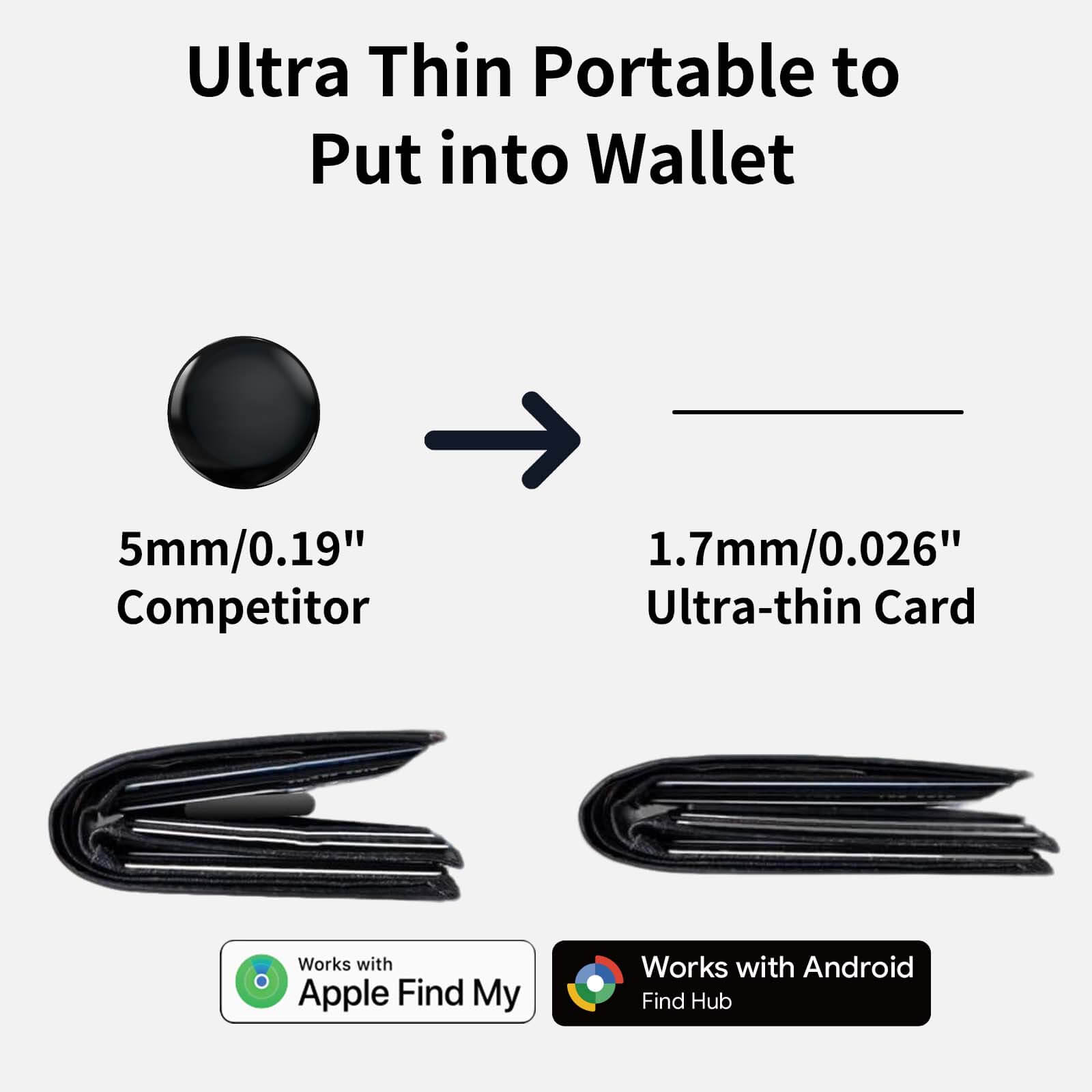
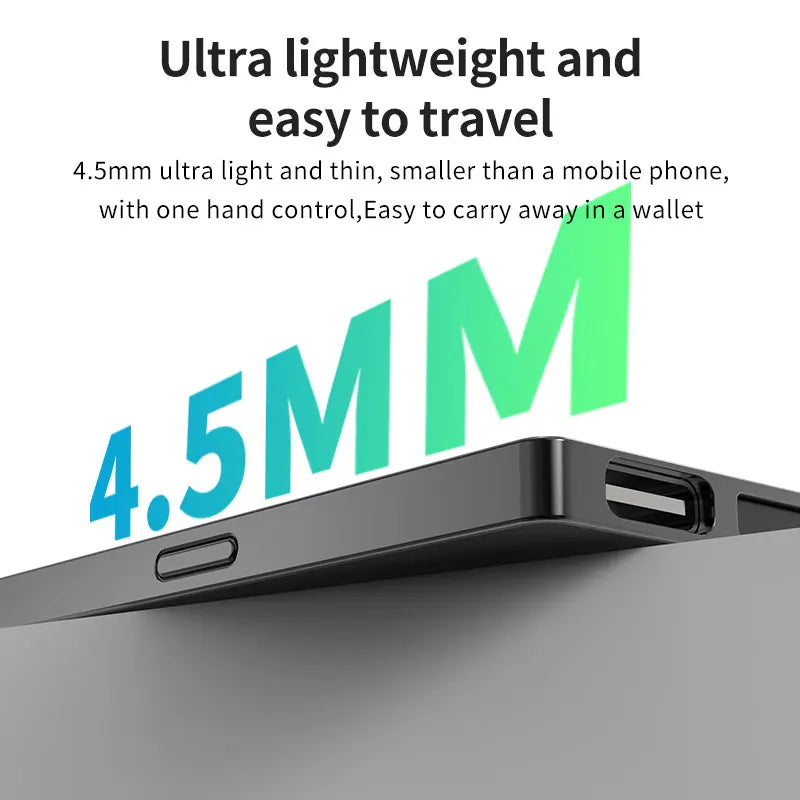
The Ultimate 1.7mm Wallet Tracker
-
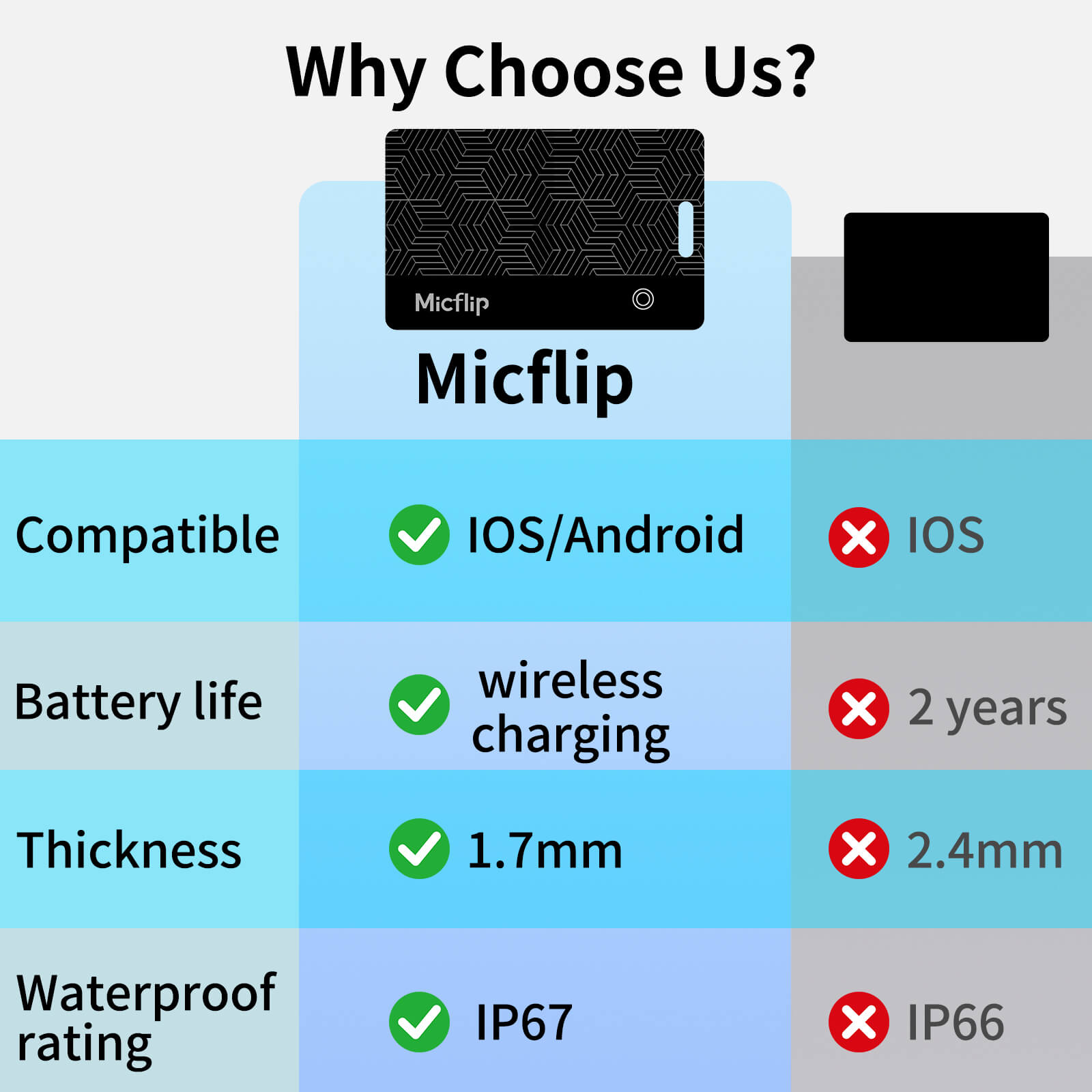
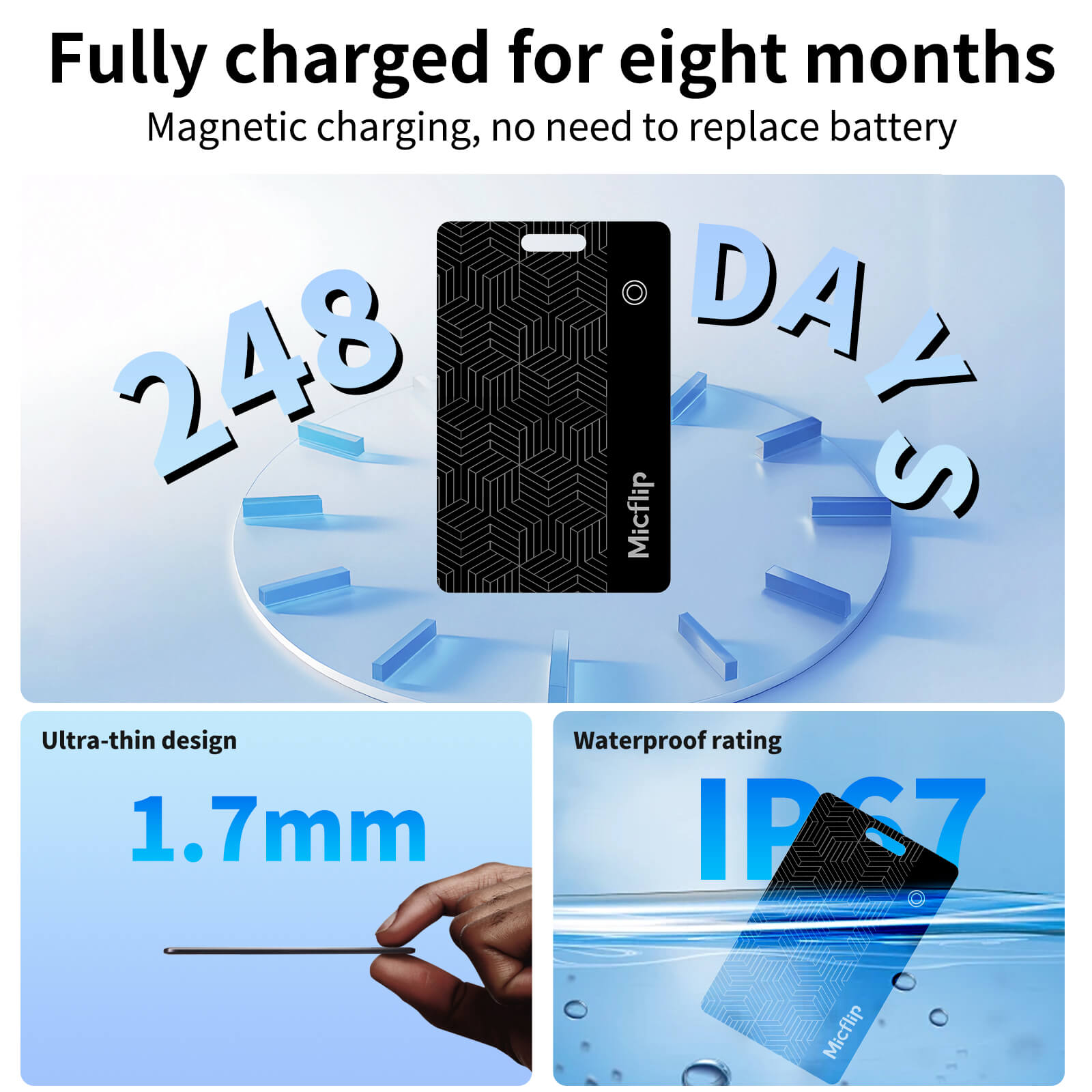
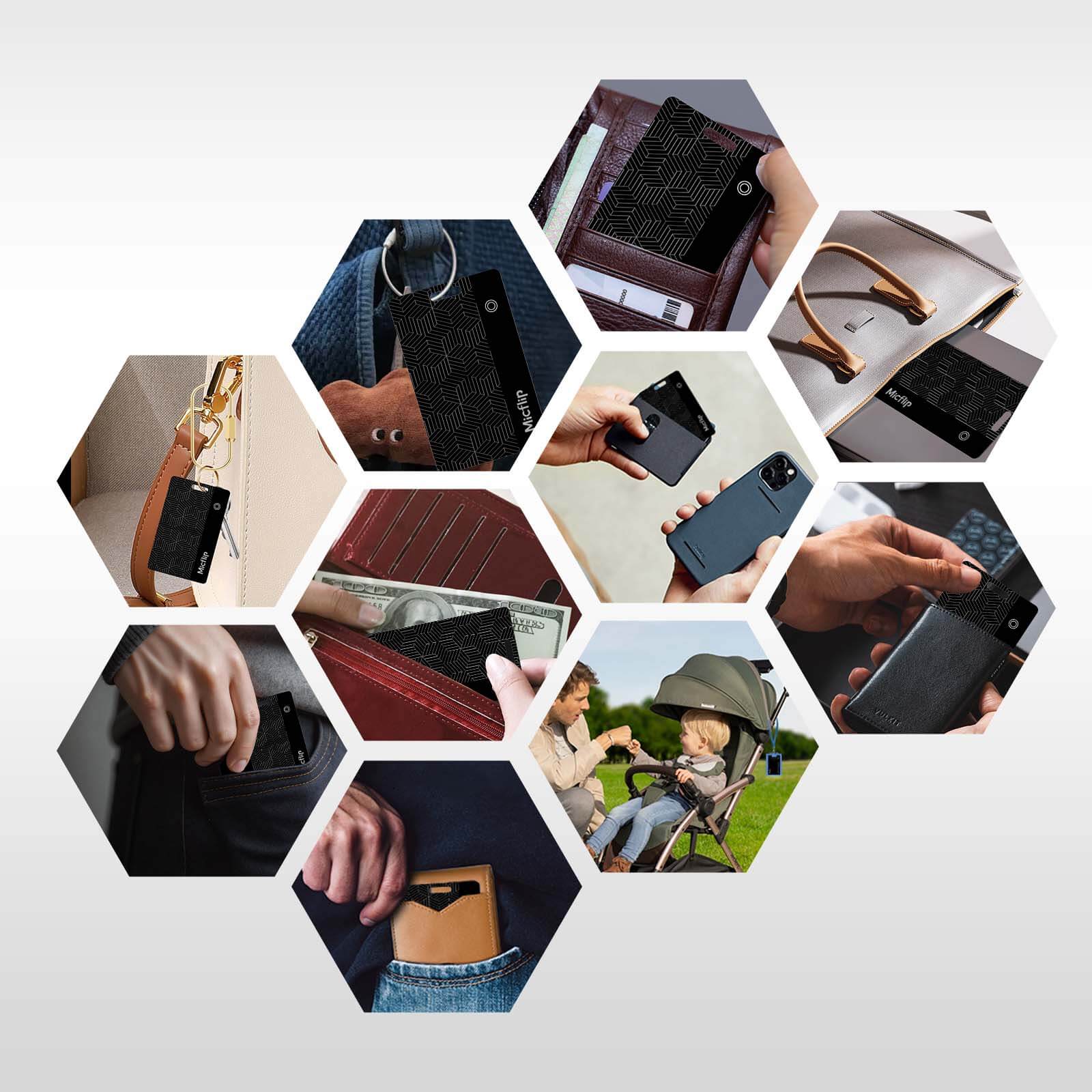
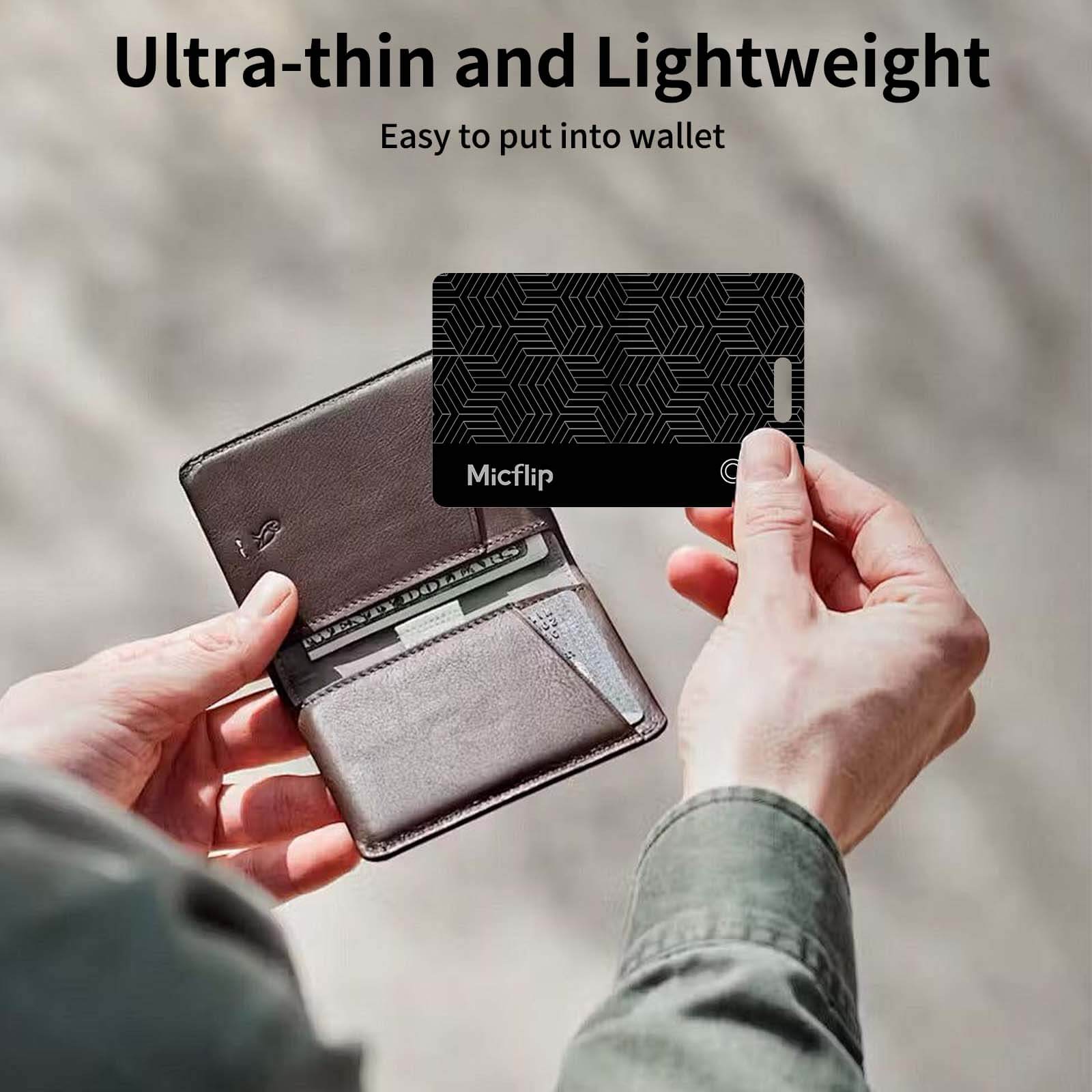
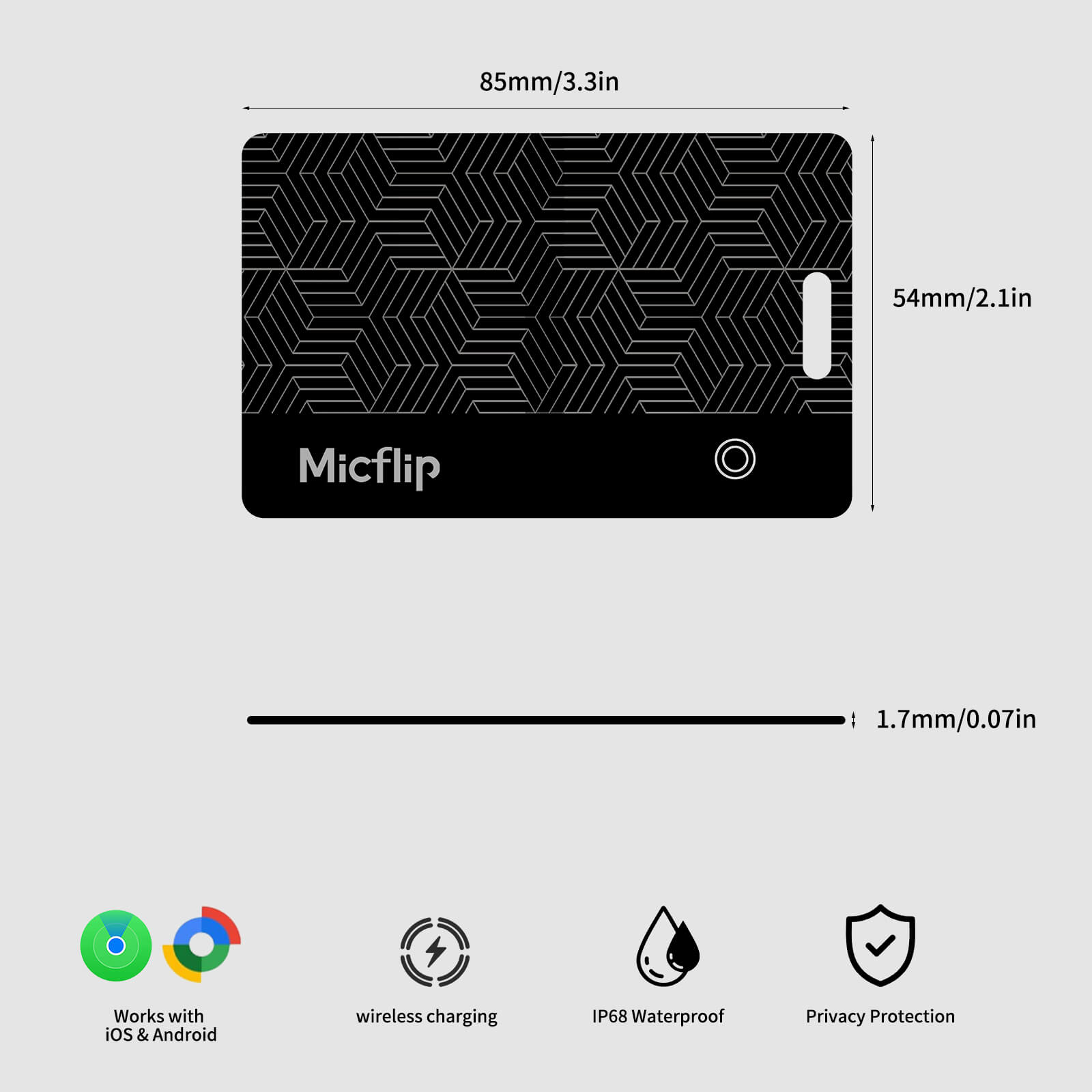
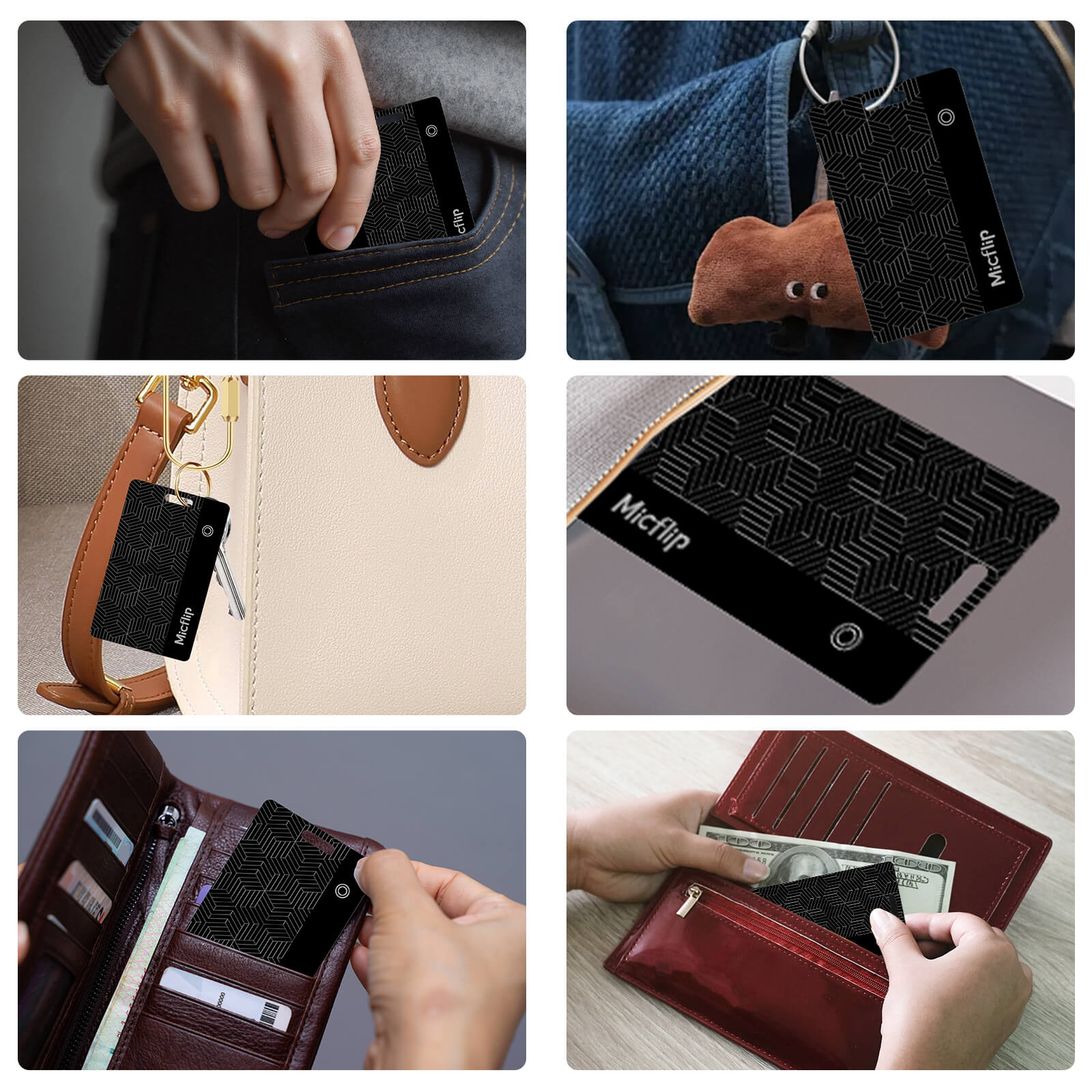
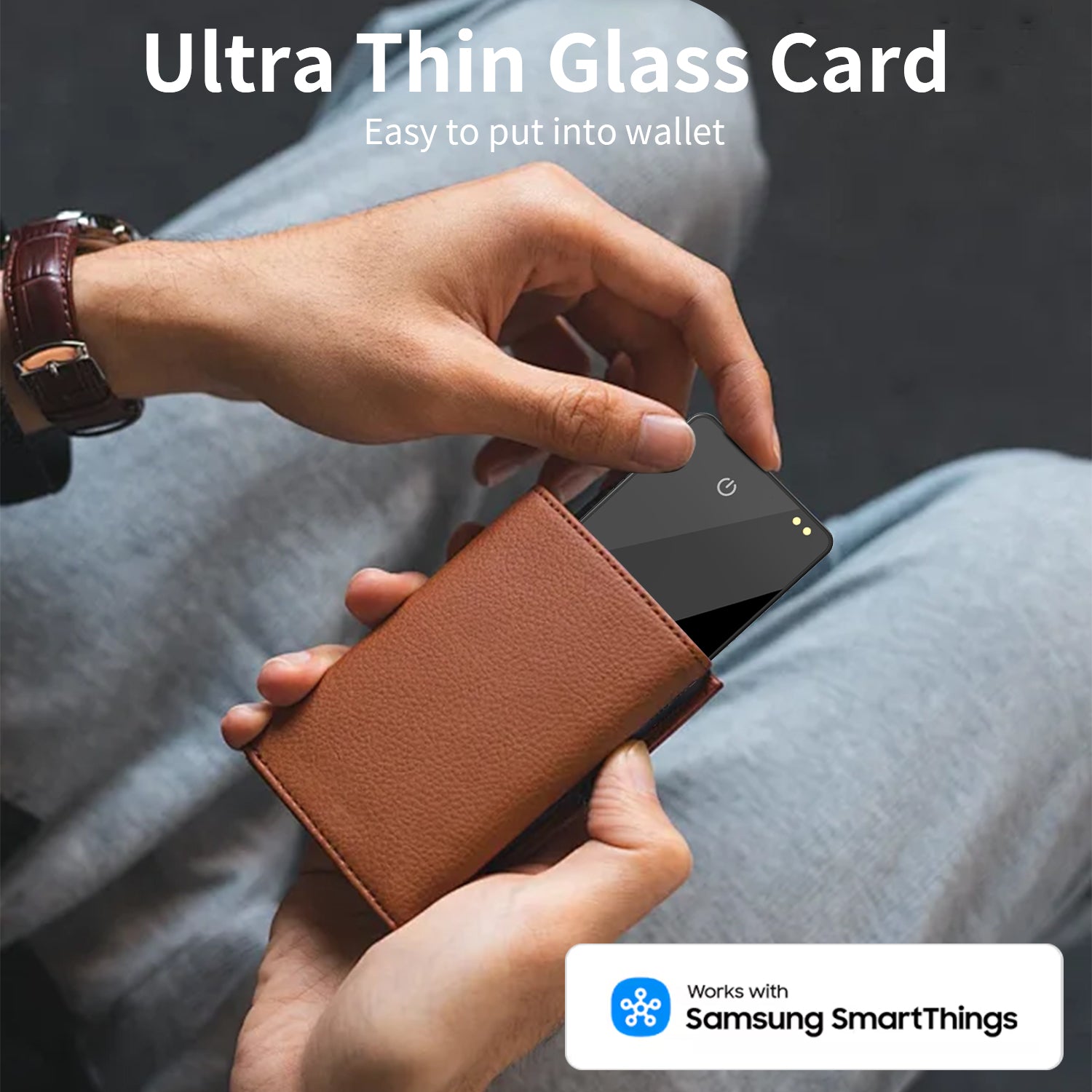
Ultra-Slim: Fits any wallet (1.7mm).
-
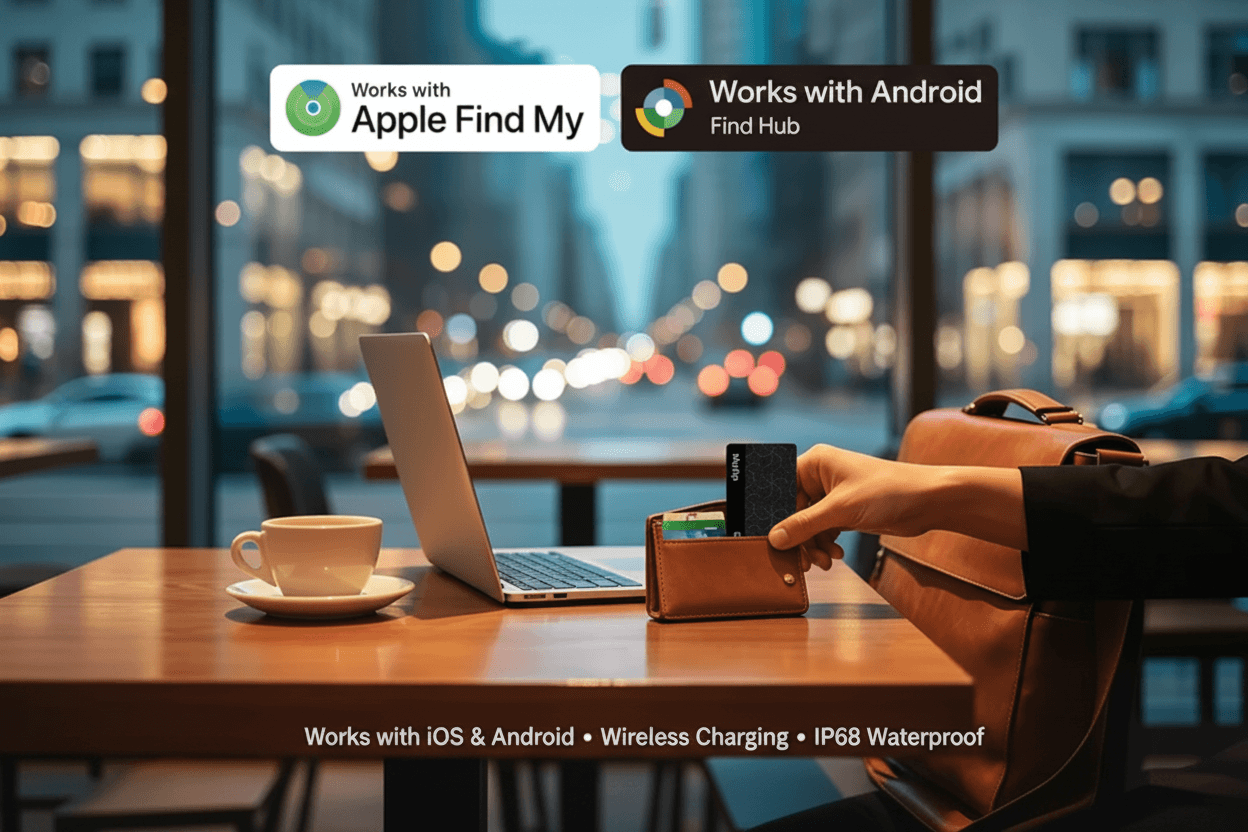
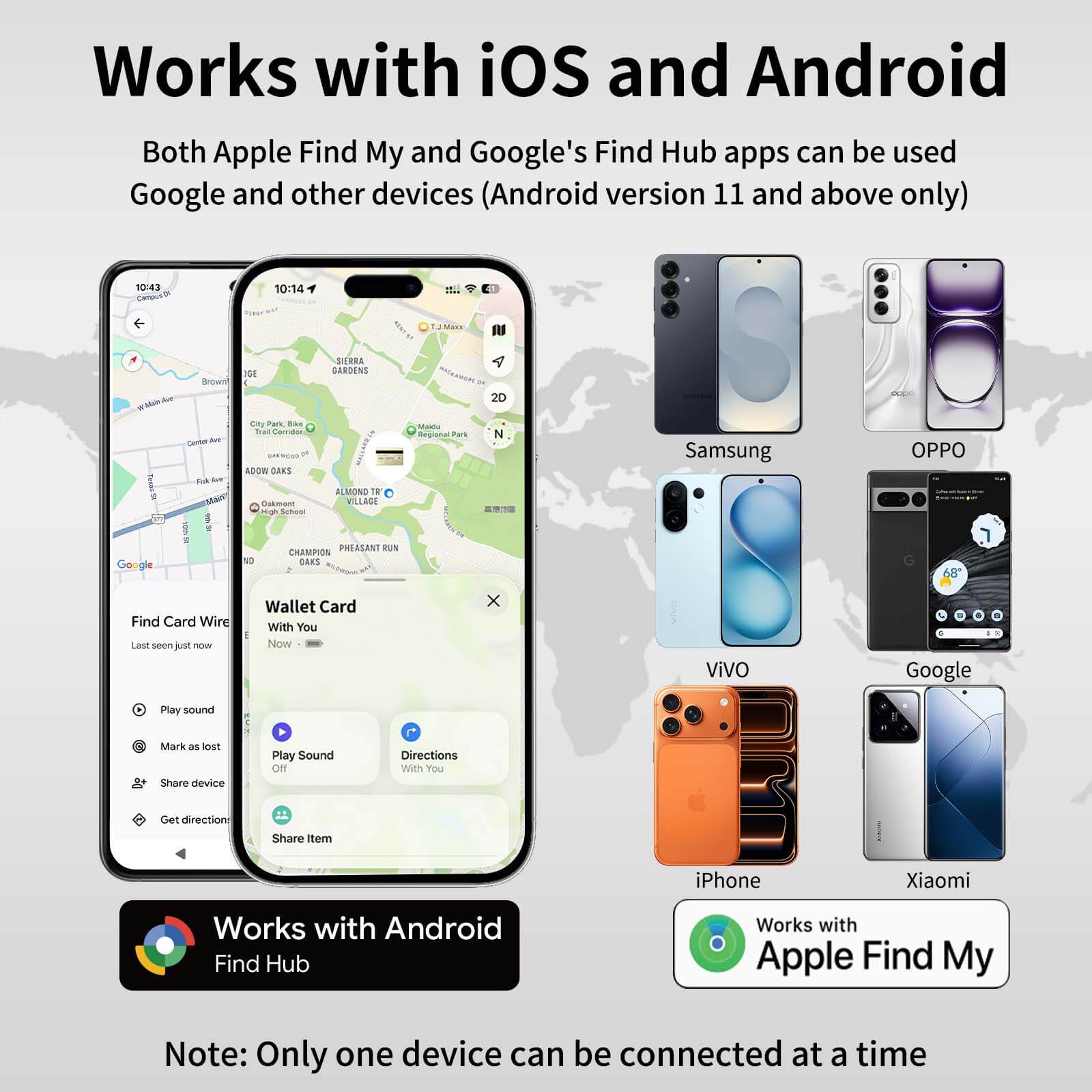
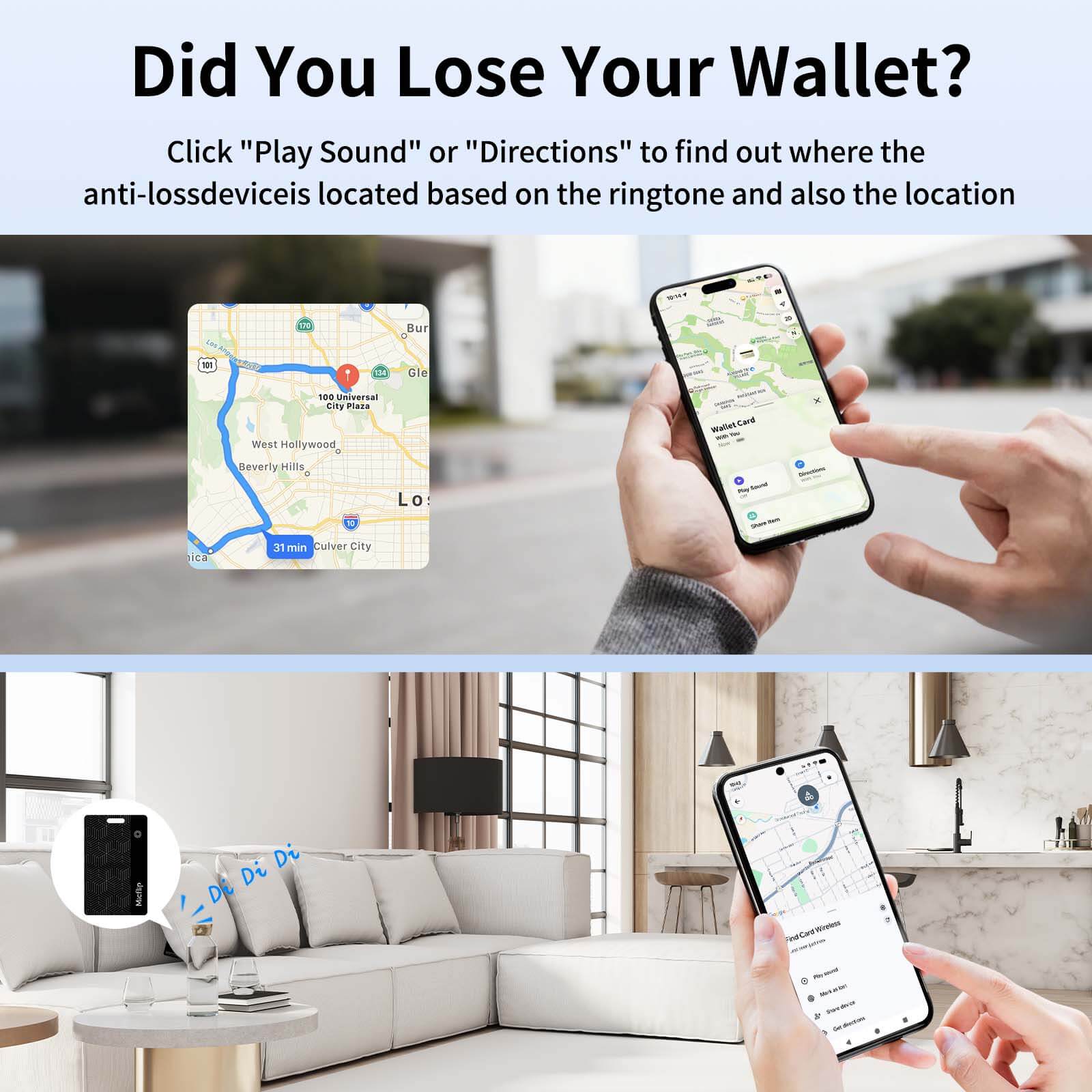
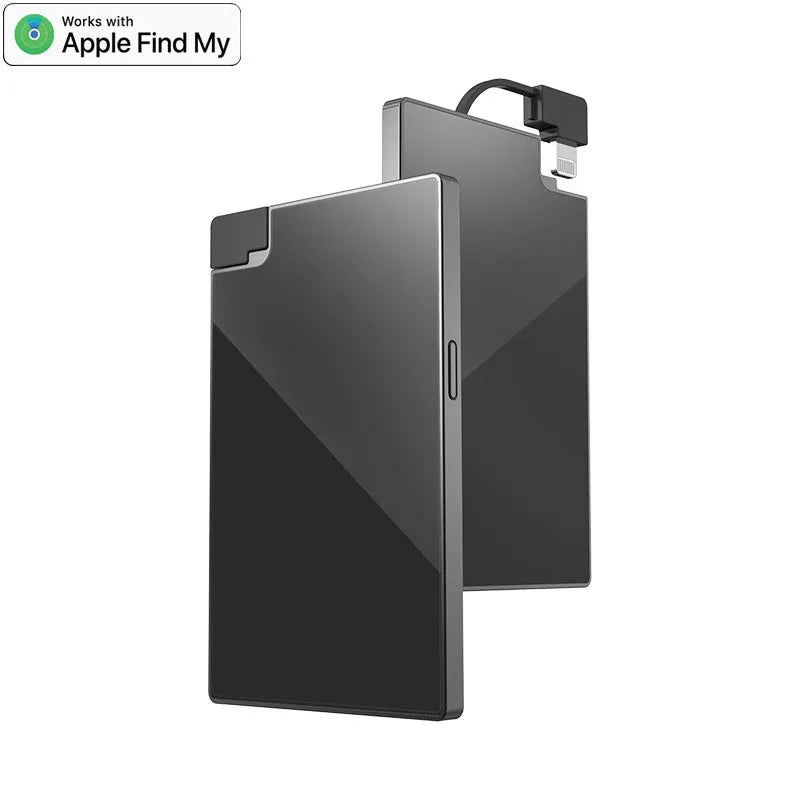
Dual Support: Apple Find My & Android Find Hub compatible.
-
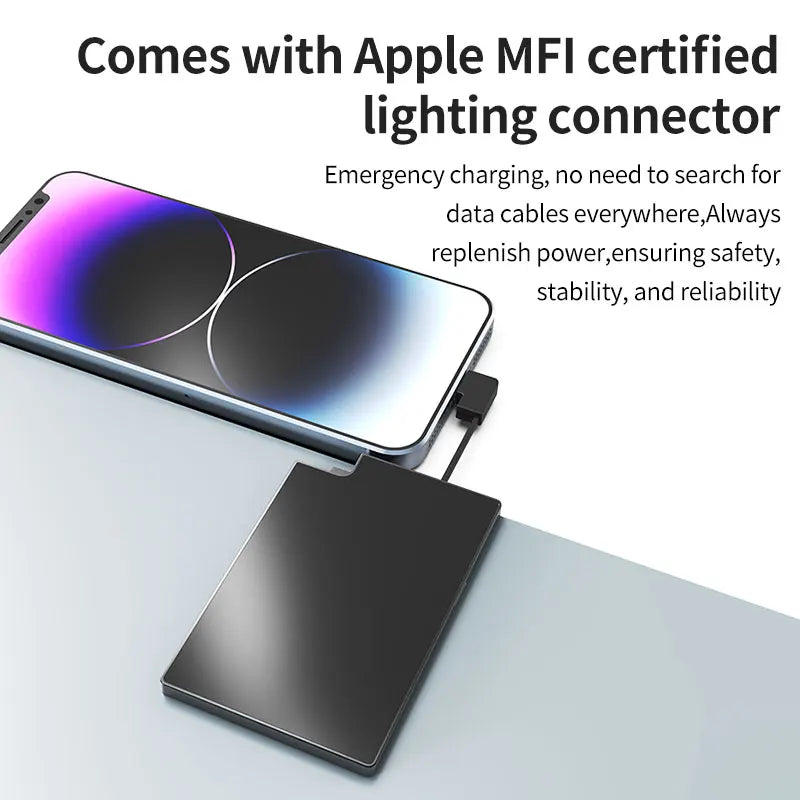
Eco-Friendly: Magnetic rechargeable (8 months per charge).
-
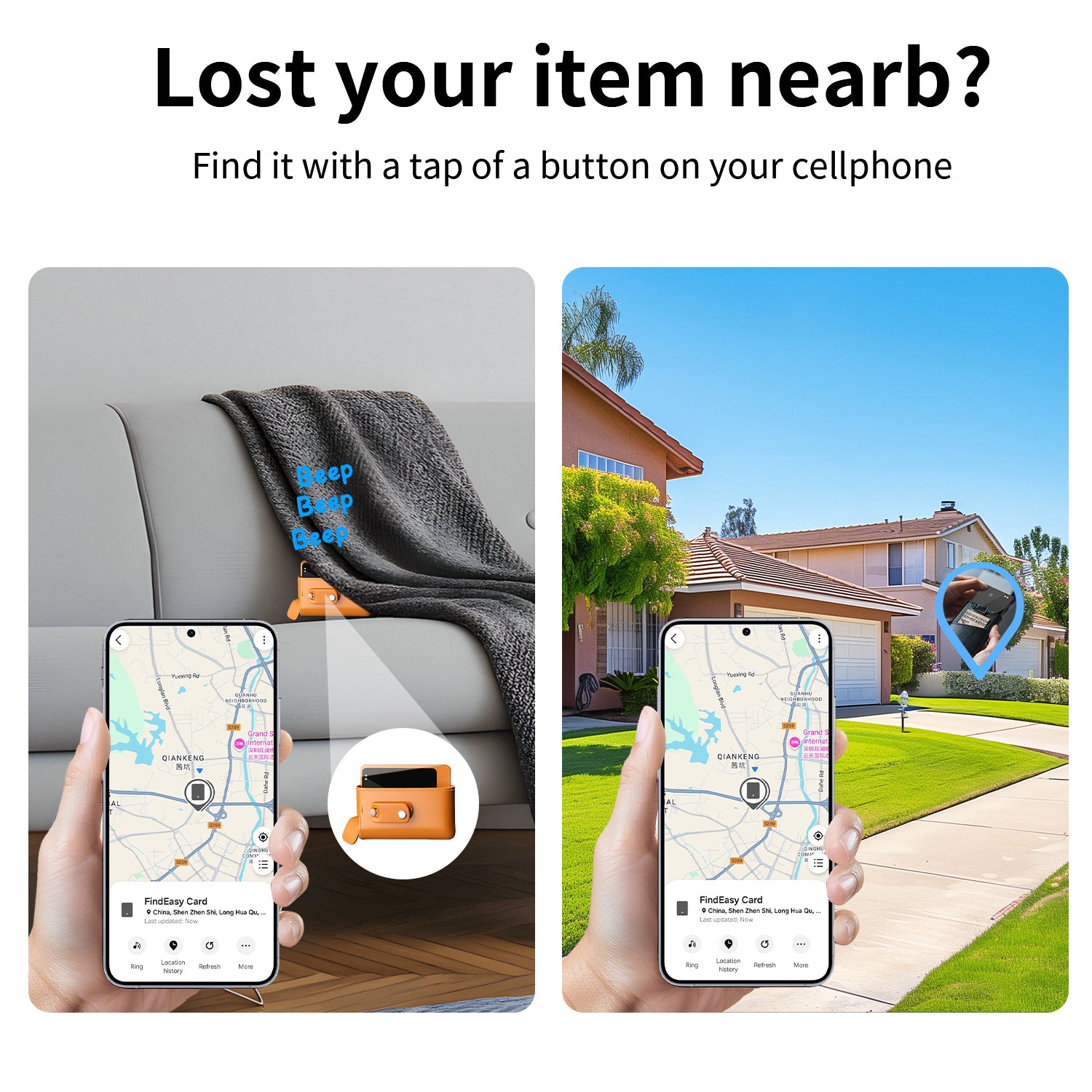
Reliable: IP67 Waterproof & Global Tracking.
No Subscription Fee!!!
In stock! Ships within 7-15 business days.
Free Shipping over $29.99
Customer Support
Free 1-Year Warranty
Best Sellers

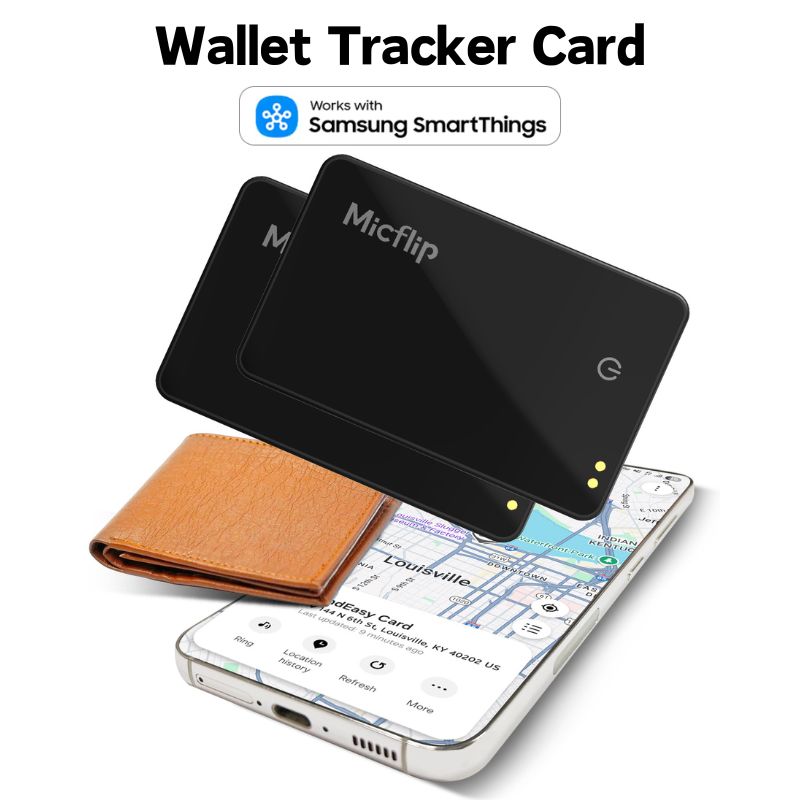
Samsung Smart Thingsアプリ用SamsungスマートカードBluetoothグローバルポジショニングファインダー


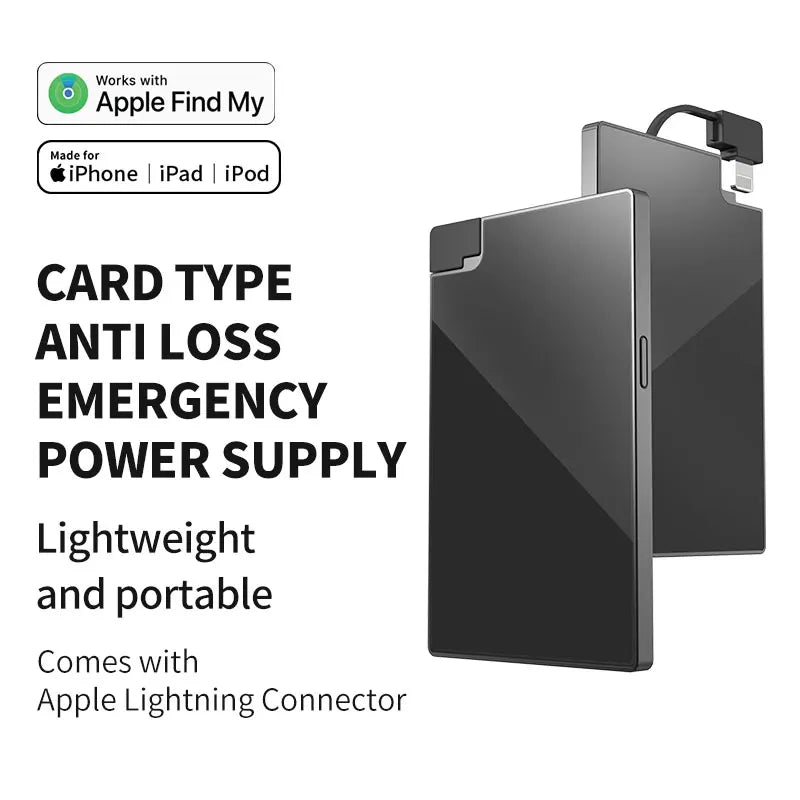
Ultra-Thin 0.08" Rechargeable Wallet Tracker
FAQs
How to reset?
Shutdown
1. Press and hold for 5 seconds → You will hear a "beep" sound indicating successful shutdown.
2. Press briefly once → You will hear a power-on sound (continuous beeping).
Restart
1.Press the button 6 times quickly.
2.Keep pressing and holding the button on the 6th press.
3.Until you hear a long beep similar to 4.powering on.
5.Reset complete.
After resetting:
1.Clears Android/Apple dual system binding history.
2.You can reconnect to either system (but only one device can be connected at a time).
How to pair?
1.Turn on Bluetooth
2.For iOS: Open the “Find My” app, go to the “Items” tab, tap “Add Other Item3.For Android: Open the “Google Find Hub” app, tap “Add new device”
How to power off?
Long press for 5 secs until you hear 2 beeps
How to connect Tag to a new phone?
- You need to remove it from the Find My app or Google Find Hub
- Then you need to reset it