
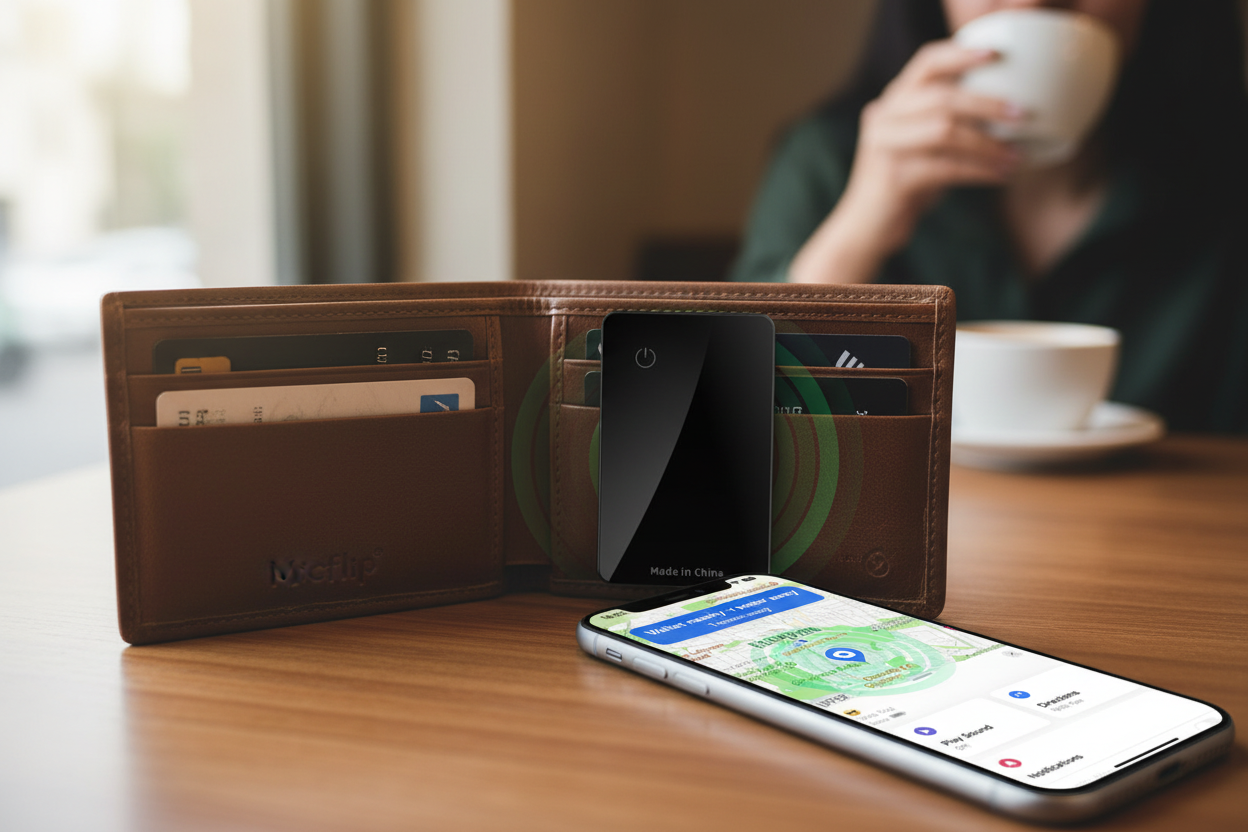
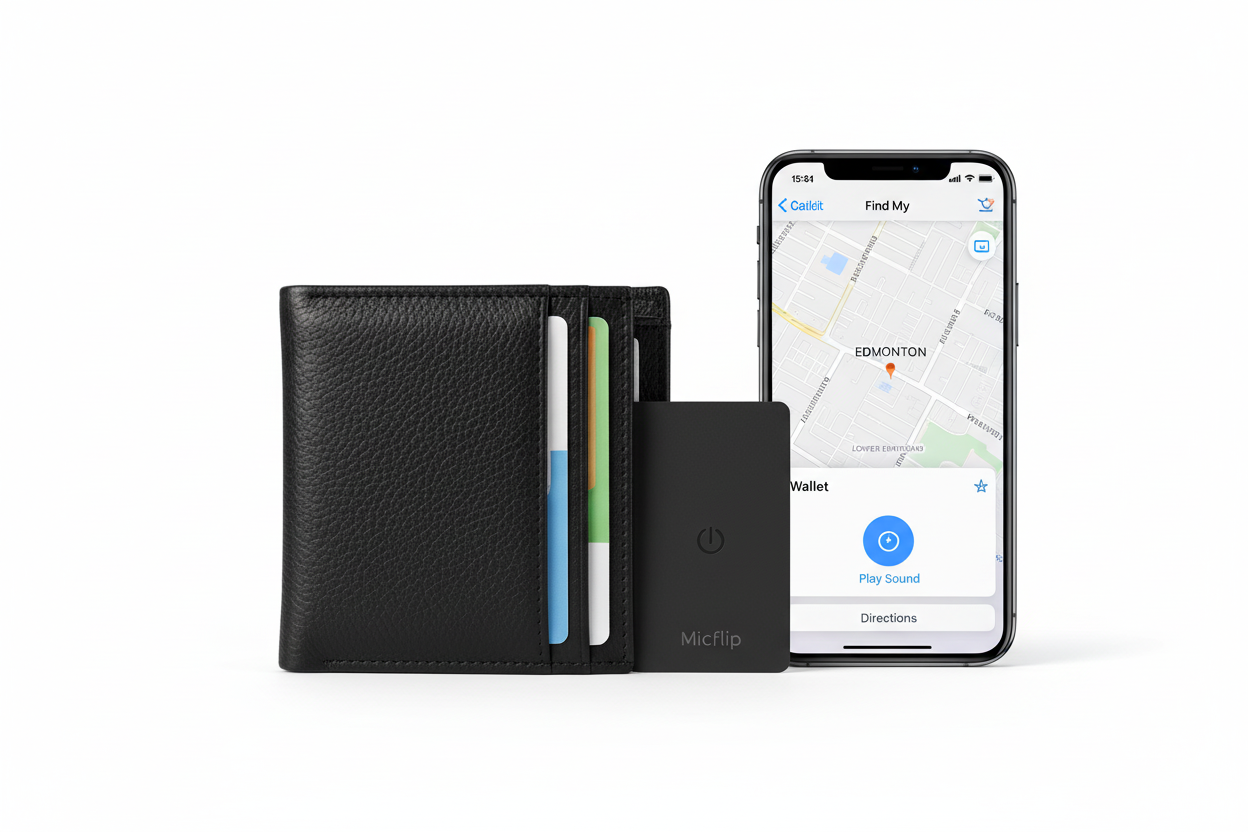

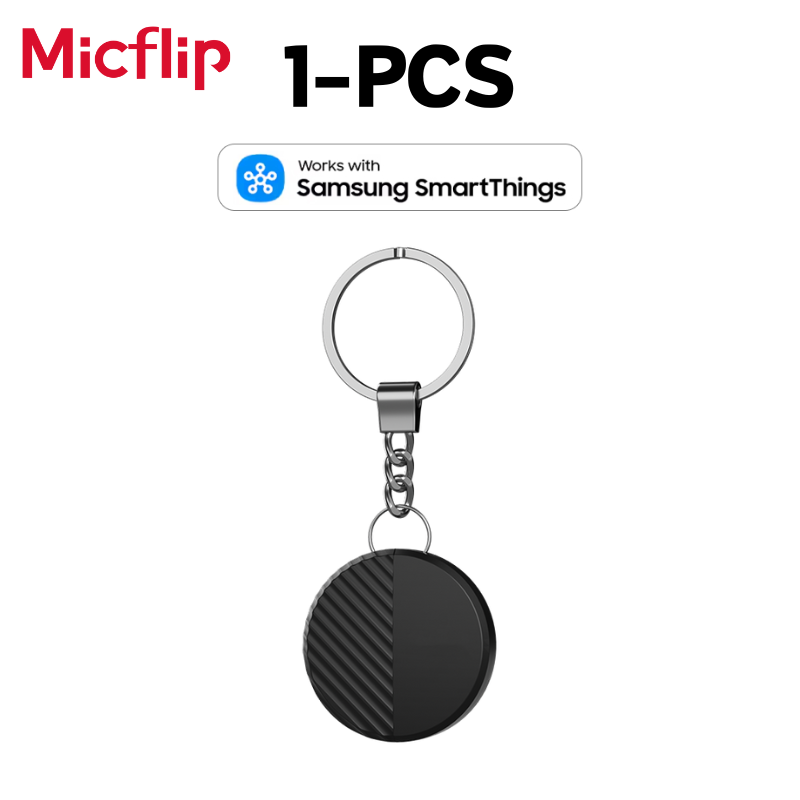

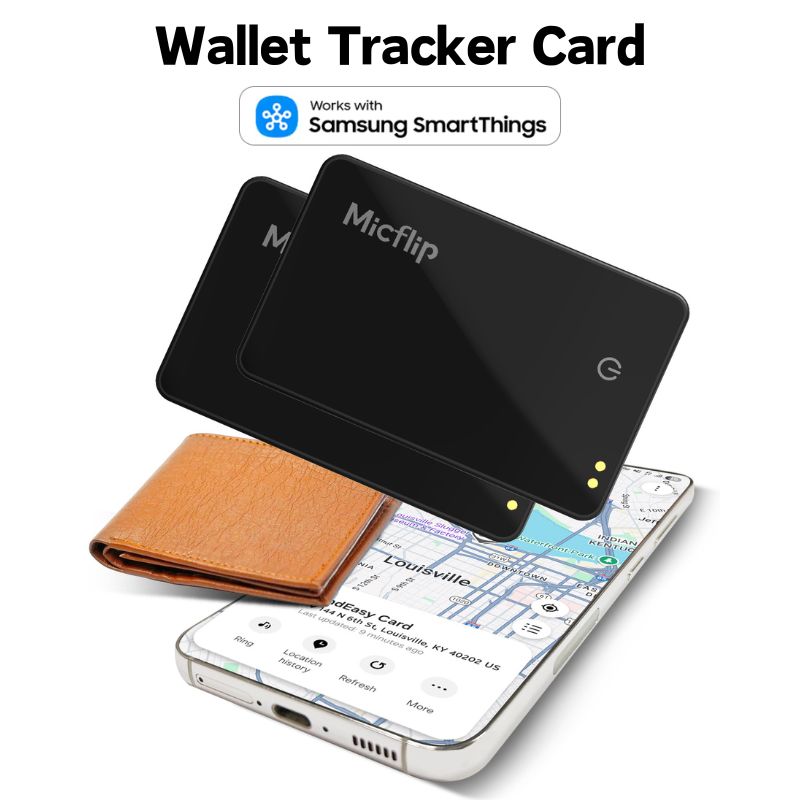
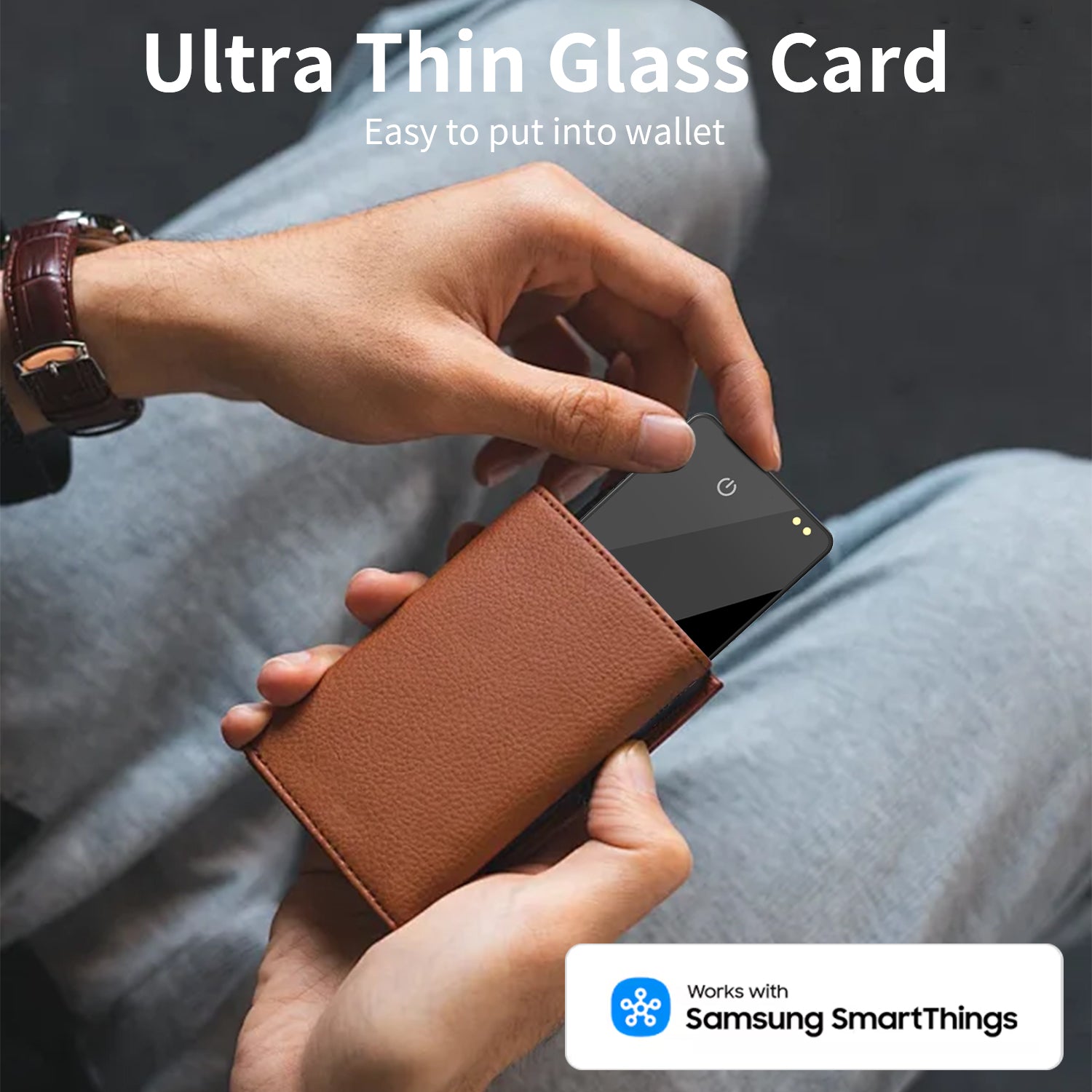
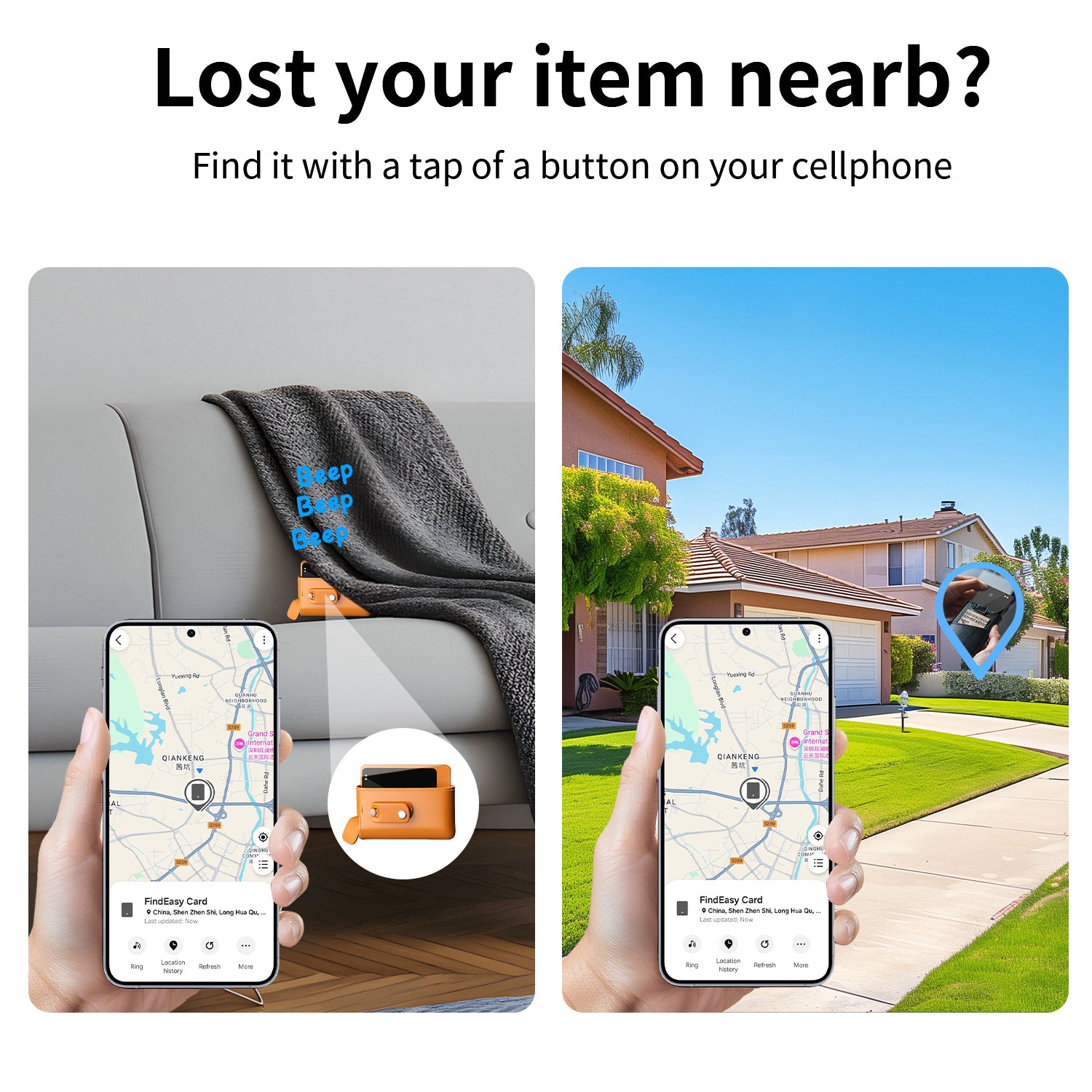
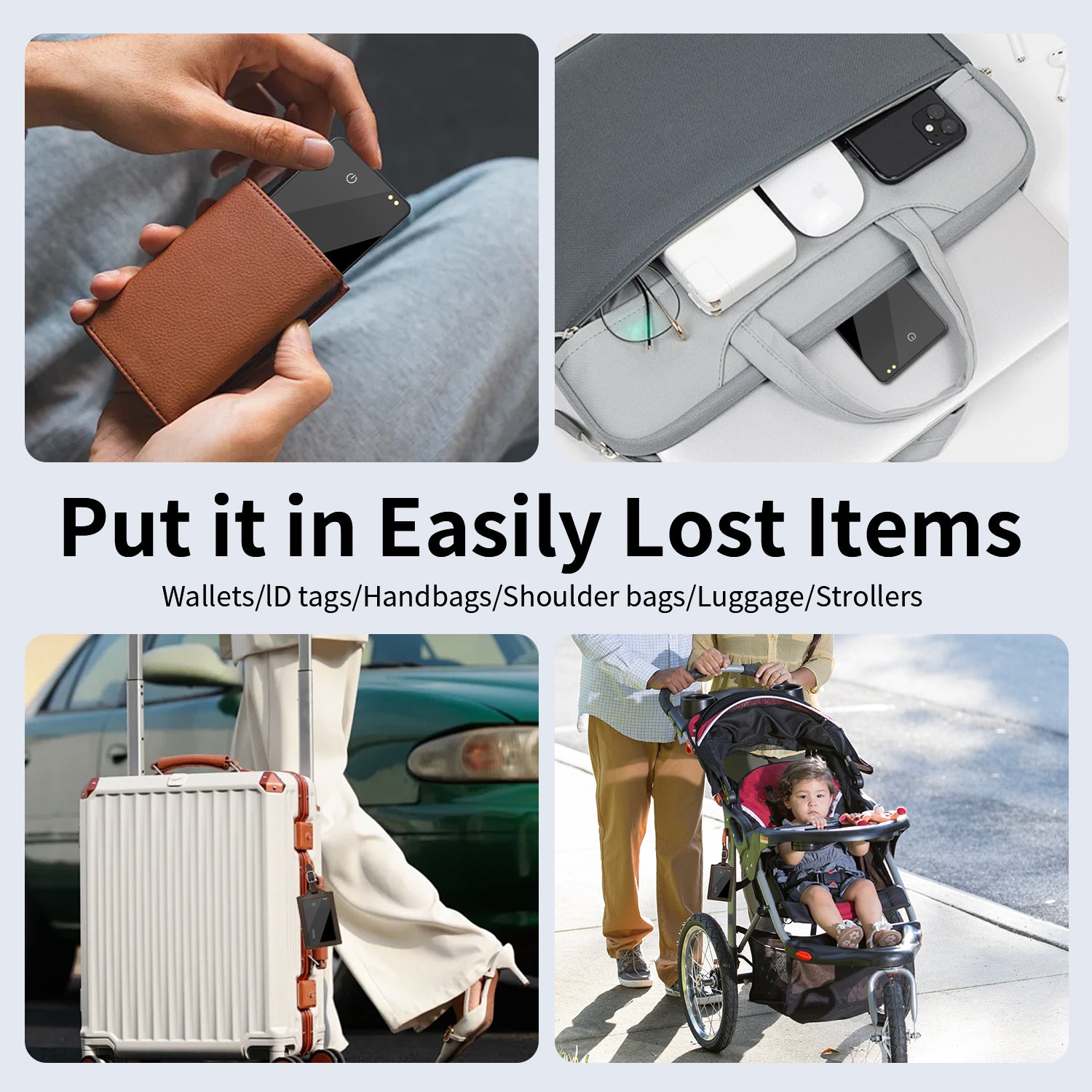
Samsung Smart Card Bluetooth Global Positioning Finder
Model Number : P043
Material : Tempered Glass
Feature : APP Control, FOR PETS, for Elderly, for Patients, SmartTag
Function : Call Reminder,Location history
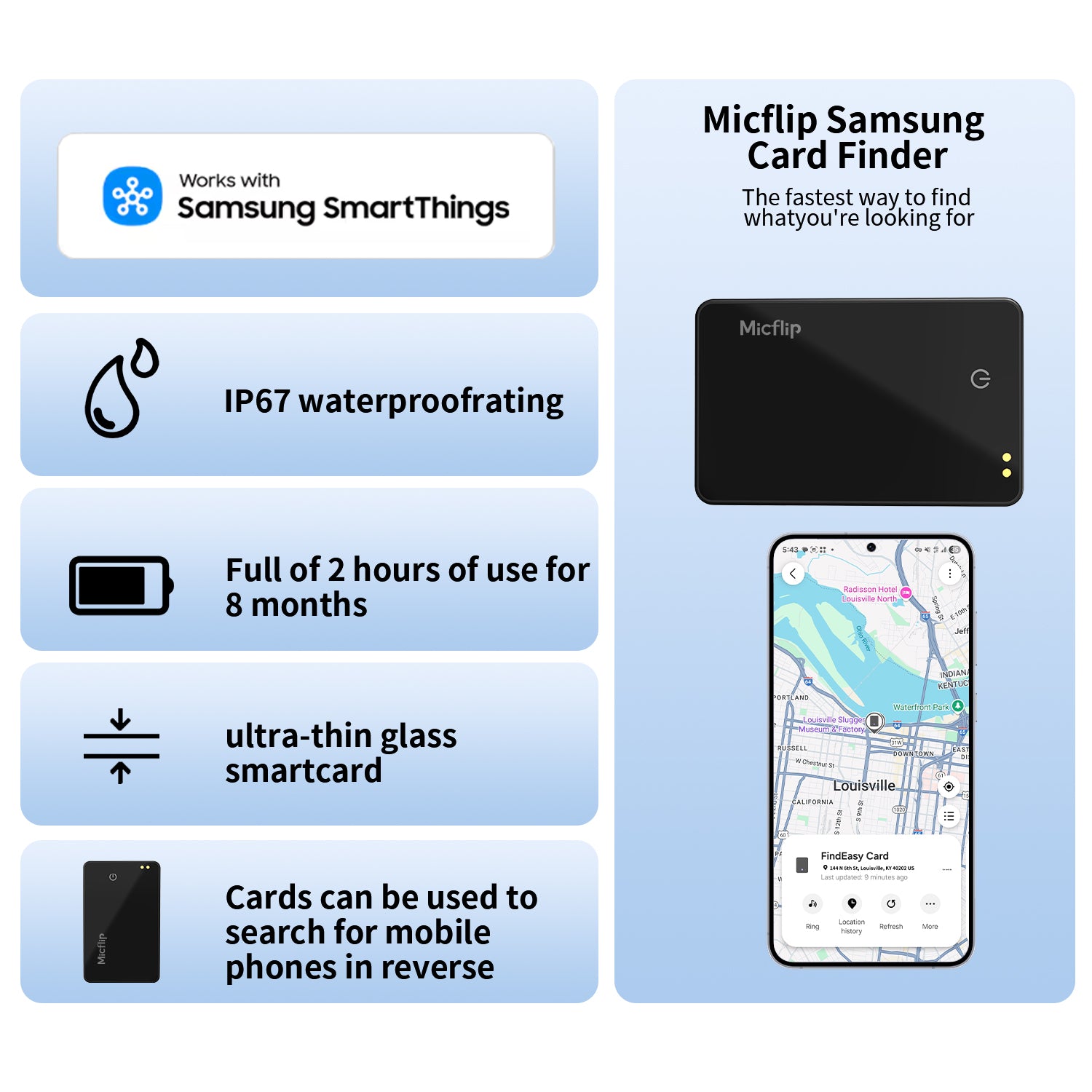
Positioning Mode : SAMSUNG
Product name : SAMSUNG Certified SmartTag
Rated voltage : 5V
Rated current : 0.5A
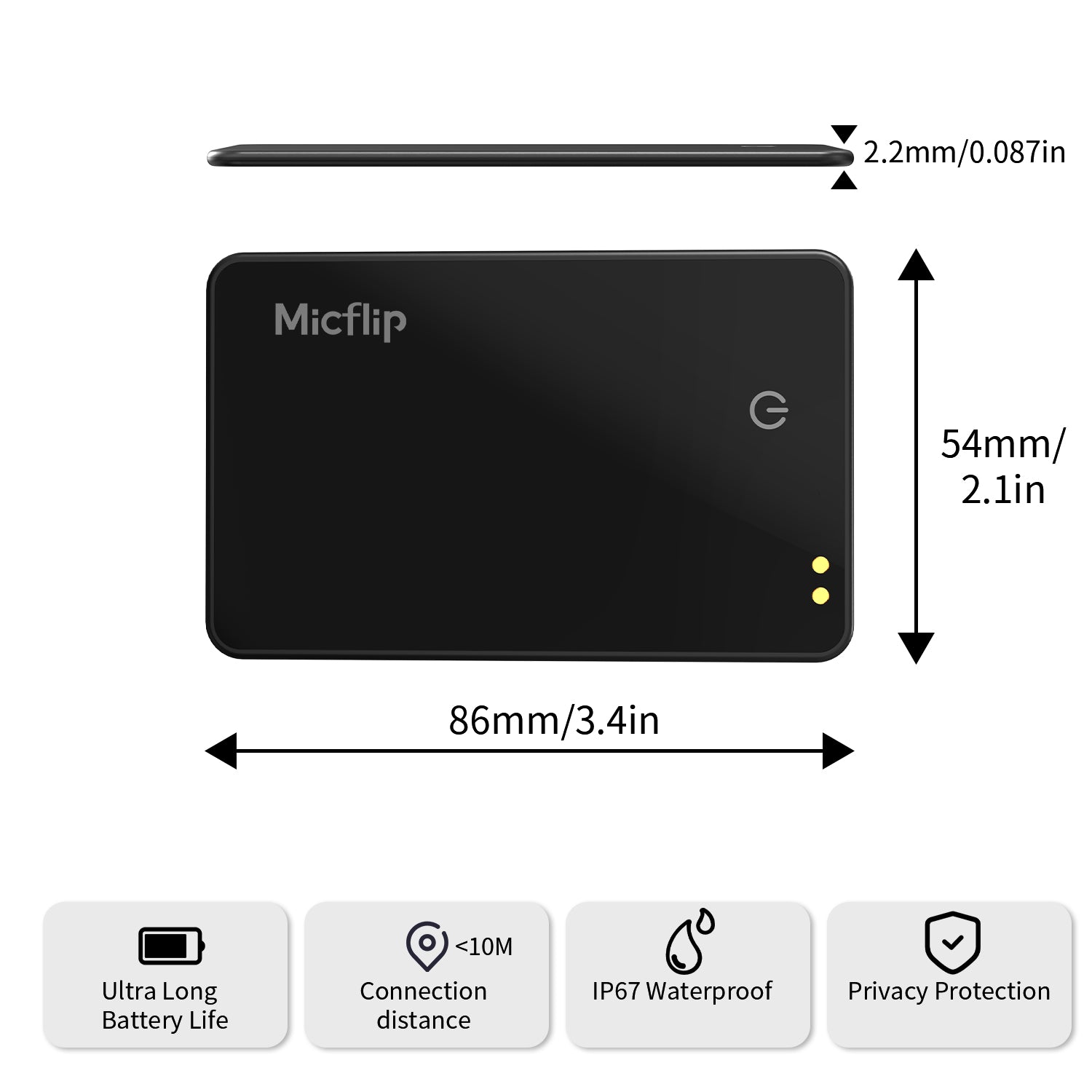
Size : 11.3*9.2*2.2cm
Weight : 18.3g
Application : Wallets,Suitacases,Keys,Sports equipments, Cameras
APP : Samsung Smartthings
Working system :SAMSUNG


In stock! Ships within 7-15 business days.
Free Shipping over $29.99
Lifetime Customer Support
Hassle-Free Warranty
Build your Bundle
The choice is yours. With our bundle builder, you can select any combination from our range of products. The easiest way to keep everyone happy.
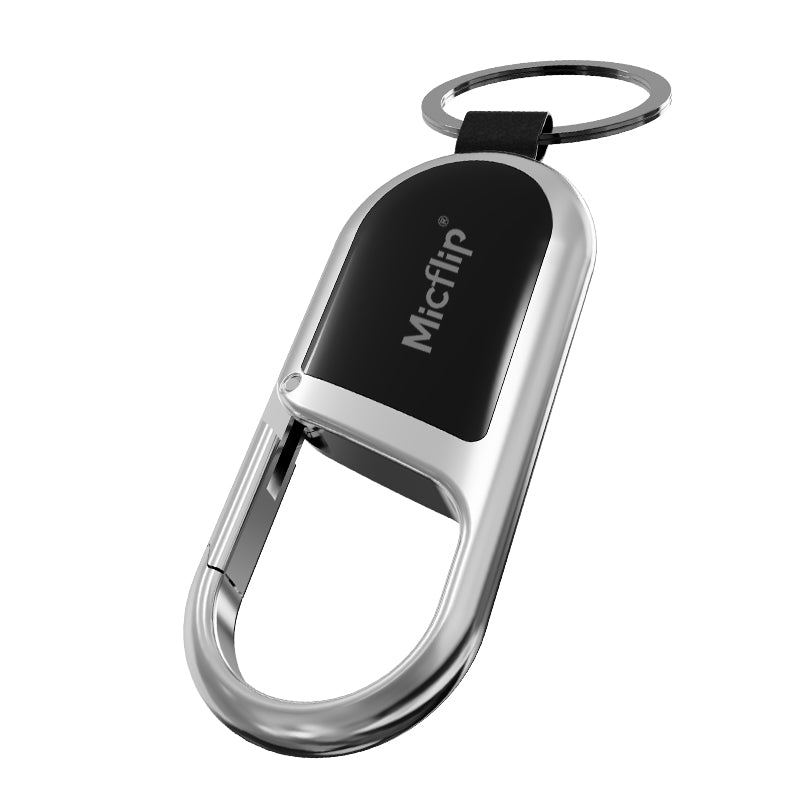
MicFlip Smart Anti-Loss Keychain Tracker

Smart Anti-Loss Travel Passport Holder
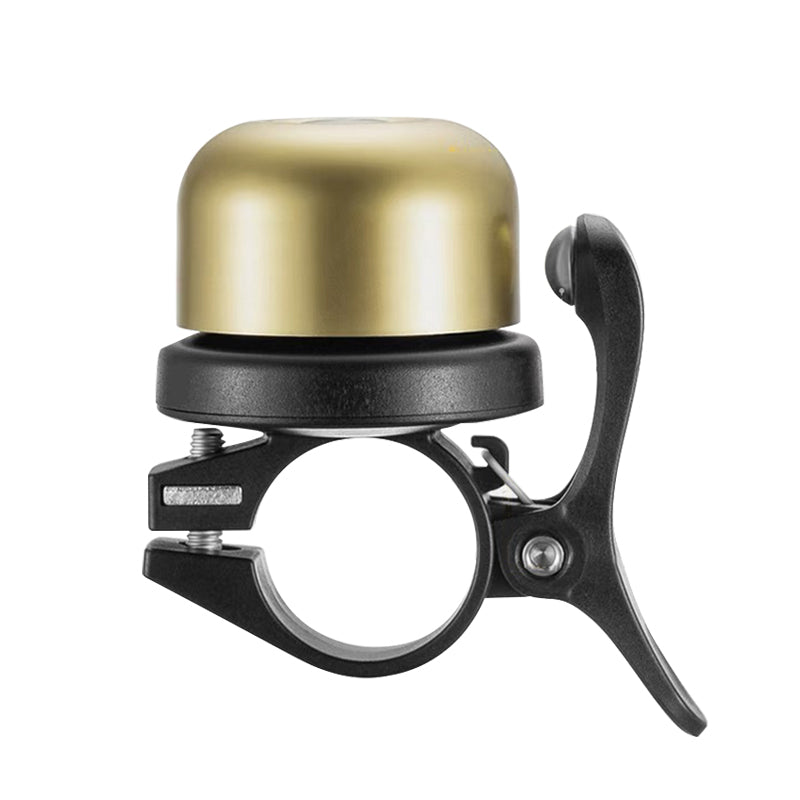
Smart Anti-Theft Bicycle Bell | Works with Apple Find My™ | Waterproof Air Tag Tracker

Micflip Ultra-Thin Wallet Tracker Card


Your bundle
Add at least 3 products to proceed and Save 30%
ALL MFI CERTIFICATION
SUPPORT FIND MY
Best Sellers
Samsung Smart Card Bluetooth Global Positioning Finder


Wallet tracker, Apple MFi certified, metal glass material, IP67 waterproof P04


Ultra-Thin 0.08" Rechargeable Wallet Tracker - Glass Design, IP67 Waterproof & Universal
FAQs
How to reset?
Shutdown
1. Press and hold for 5 seconds → You will hear a "beep" sound indicating successful shutdown.
2. Press briefly once → You will hear a power-on sound (continuous beeping).
Restart
1.Press the button 6 times quickly.
2.Keep pressing and holding the button on the 6th press.
3.Until you hear a long beep similar to 4.powering on.
5.Reset complete.
After resetting:
1.Clears Android/Apple dual system binding history.
2.You can reconnect to either system (but only one device can be connected at a time).
How to pair?
1.Turn on Bluetooth
2.For iOS: Open the “Find My” app, go to the “Items” tab, tap “Add Other Item3.For Android: Open the “Google Find Hub” app, tap “Add new device”
How to power off?
Long press for 5 secs until you hear 2 beeps
How to connect Tag to a new phone?
- You need to remove it from the Find My app or Google Find Hub
- Then you need to reset it